· 5 min read · By the Kinfolk team at Kinfolk Digital Ltd
How to share your location in iMessage
01
The bubble your friend actually received
You are standing outside a station, thumbs cold, and you send location into the thread the way you have a hundred times. Your friend replies that you are still at home. You are not. The pin they opened was taken when you left the house, or it was never a live share at all. iMessage is happy to put both kinds of map in the same blue thread, and it does not label them in a way a tired person will notice.
One of them is a snapshot called Send My Current Location. It is a picture of where the phone was at the moment you tapped. Walk to the bus stop and that bubble stays on the kitchen. The other is Share My Location. That one keeps moving, and it is Find My wearing a Messages coat. If you only remember one thing from this page, remember which of those two you meant to send.
Apple moves the precise labels between iOS versions. On a current iPhone the control still sits behind the plus button in the message field, under Location. If your menu uses slightly different words, you are looking for the choice that sends where you are right now, and the choice that keeps sharing. The rest of this is what each one does after it leaves your phone.
02
Sending the pin, and what it refuses to do
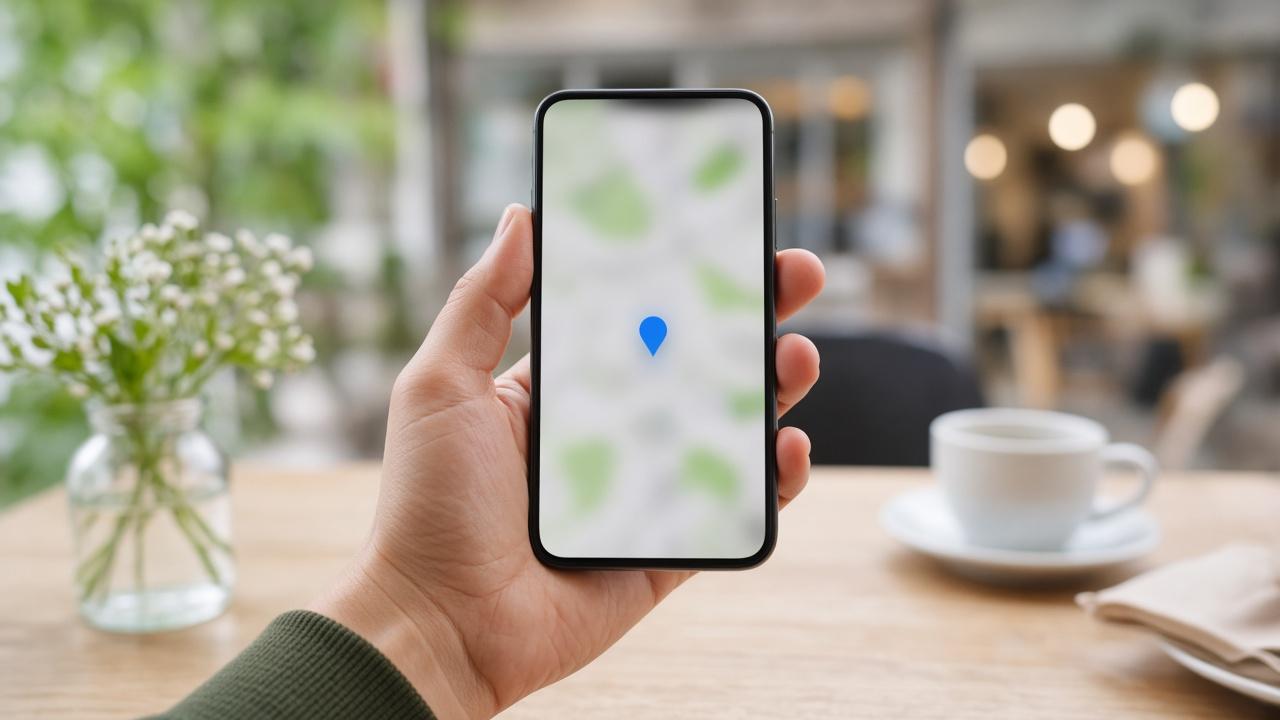
Open the conversation. Tap the plus sign next to the text field. Tap Location, then Send My Current Location. A map bubble appears in the thread. Tap it on either phone and you get a larger map, a pin, and the time it was captured. There is no trail, no countdown, and no way for your friend to watch you turn the corner.
That is the right object when the question is which door. A cafe, a school gate, the bay you parked in. It is also the kinder object when you do not want anyone following the rest of your evening. Once the bubble is sent, later movement is none of its business.
Give the phone a moment if you have just come up from underground. A pin taken on the platform often resolves to the street above, or to the last good fix from before you went down. Step outside, wait until the Maps dot settles, then send. Precise Location for Messages, under Settings, Privacy and Security, Location Services, Messages, is what keeps that pin on the doorway rather than the postcode.
If Location is missing from the plus menu, look at the bubble colour before you blame the map. Green means SMS. Apple's location tools in that menu belong to iMessage, the blue threads. A friend on Android, or an iPhone with iMessage switched off, will not get this menu behaving. For that thread, a map both phones can open is the honest route, or WhatsApp if that is already how you talk.
04
What your friend should tap, and what 'still at home' usually means
Ask them to open the newest bubble, not the one from lunch. Then ask whether the time on the map is now. If the time is old, they are looking at a pin, or a live share that has already stopped updating. Sending another current location on top of a broken live share makes this worse, because now there are two bubbles and the wrong one is easier to tap.
A live share that never moves while you walk is a permissions problem more often than a Messages problem. Location Services on, Share My Location on, and the phone not sitting in a low power mode that freezes background updates. The longer path, if you have already checked those, is iMessage location will not send.
There is a third place people start this by accident. Open a contact card, scroll to the location line, and you can share from there too. It is the same Find My relationship. If you turn it on from the card and also from the thread, you have not created two shares. You have poked the same switch twice.
05
Which one to send tomorrow
Send the pin when you have arrived, or when the place is the whole message. Start the live share when someone is meeting you in motion: a platform, a gate, a dark walk from the bus. Say the duration out loud in the text above it. Following until I am at yours is clearer than a bubble.
If this conversation happens every week, and half the people are not on iPhone, you will keep teaching the menu. A shared map with an ending is a calmer tool for that kind of life. Messages is excellent at the one off pin. It is a clumsy home for a group that just wants to find the same door.