· 3 min read · By the Kinfolk team at Kinfolk Digital Ltd
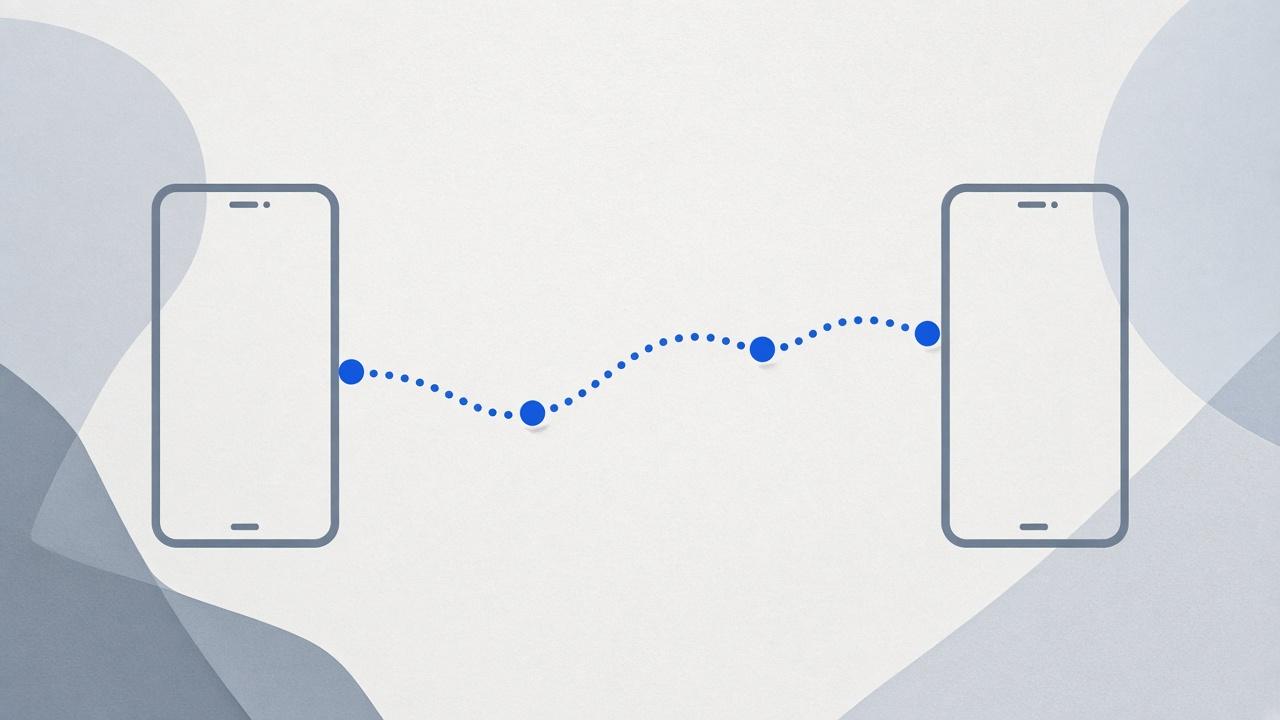
Share your location from Android to iPhone
01
This direction is the one Find My will not do
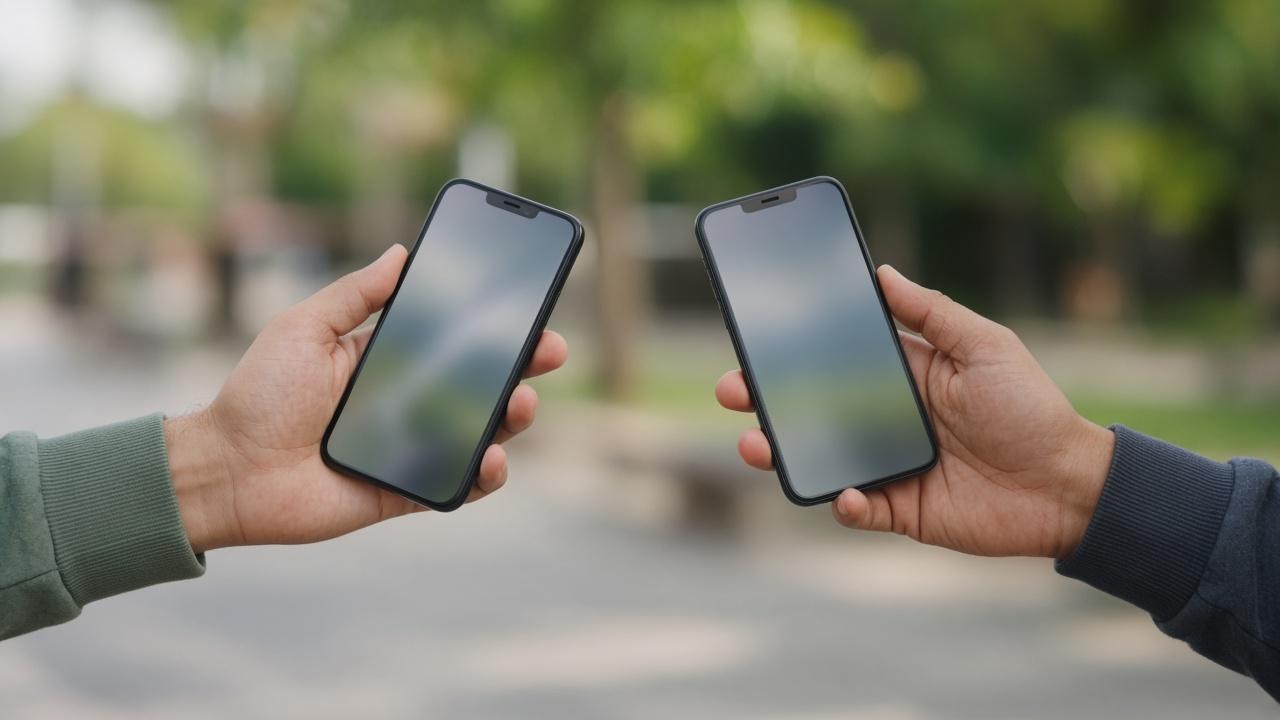
Plenty of guides explain how an iPhone shares toward an Android phone. You are in the other seat. Your phone is Android. Theirs is an iPhone. They have asked you to turn on Find My or share your location like everyone else. You cannot join their Find My list. There is no setting buried under Google that fixes that.
What you can do tonight is publish a live position they can open without buying into your phone's brand. Google Maps is the most reliable. WhatsApp is the most likely to already be installed. A dedicated app is what you choose if this is going to happen every Thursday, not if you are late for one dinner.
02
The Maps link, told in the order you will actually tap
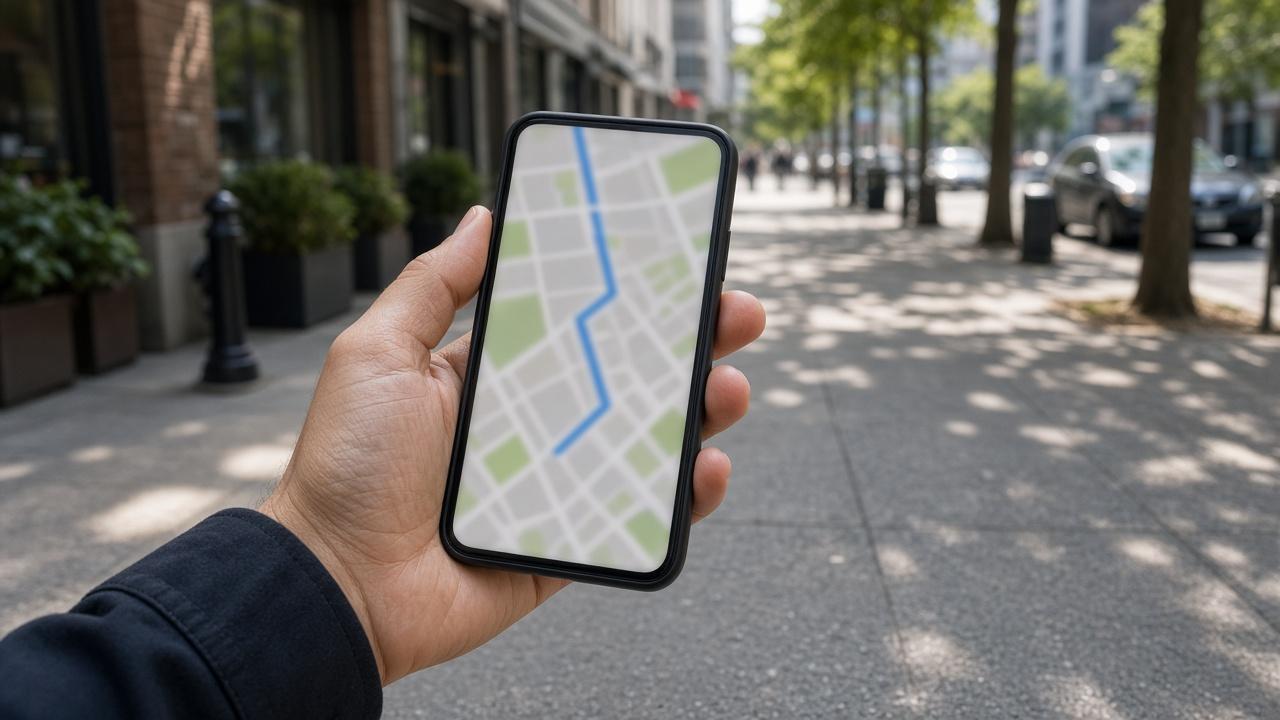
On your Android phone, open Google Maps and wait until the blue dot is on the right street. Tap your picture, then Location sharing, then create a link if you do not want to manage their Google account. Choose a duration that matches the trip. Copy the link into iMessage, SMS, or whatever thread you already have with them.
Tell them to tap it while they have signal, and to open it in Maps or the browser, not to screenshot it. A screenshot of your dot is another frozen pin. The link is the live thing.
On their iPhone, the link should show you moving. If they already use Google Maps, sharing to their Gmail is smoother the second time, because they will not need a fresh link. If they refuse a Google login on principle, keep using the link, or leave Maps entirely. Do not spend the car ride converting them.
If they say the dot is stuck on your house, the share left your phone and then stopped updating. That fault has its own page, Google Maps location sharing, including the Android permission that has to stay on after the screen locks. Do not rebuild the link until you have read the time on their map.
03
What the iPhone actually opens
Their phone will often offer a preview, Maps, and the browser, and the preview is the one that looks finished while staying still. Ask them to open the full map and read the time under your name. If that time is now, the handoff worked, even if the little card in the message looked frozen.
If they have never signed into Google on that iPhone, the link can still open in the browser. Leave them there. A first time Google login in a car park is how this errand turns into a different argument. The link was enough.
WhatsApp is a separate conversation, with its own timer, and it is already written up in how to share your location on WhatsApp. Use it when they will not open Maps. Do not expect it to behave like the link you just sent.
04
What to say so this does not become a character issue
You are not hiding because you will not install Find My. The app is not available. Say that once, then send the link. Offer a duration. You can see me until I am at the restaurant. People who feel looked after stop demanding the logo they already know.
If this is a household, not a one off, sit down and pick one map for the mixed phones. A family map for Android and iPhone is that conversation. Doing it in the group chat at 6pm will produce three apps and no agreement.