· 4 min read · By the Kinfolk team at Kinfolk Digital Ltd
How to share your location on Android
01
What Android actually gives you
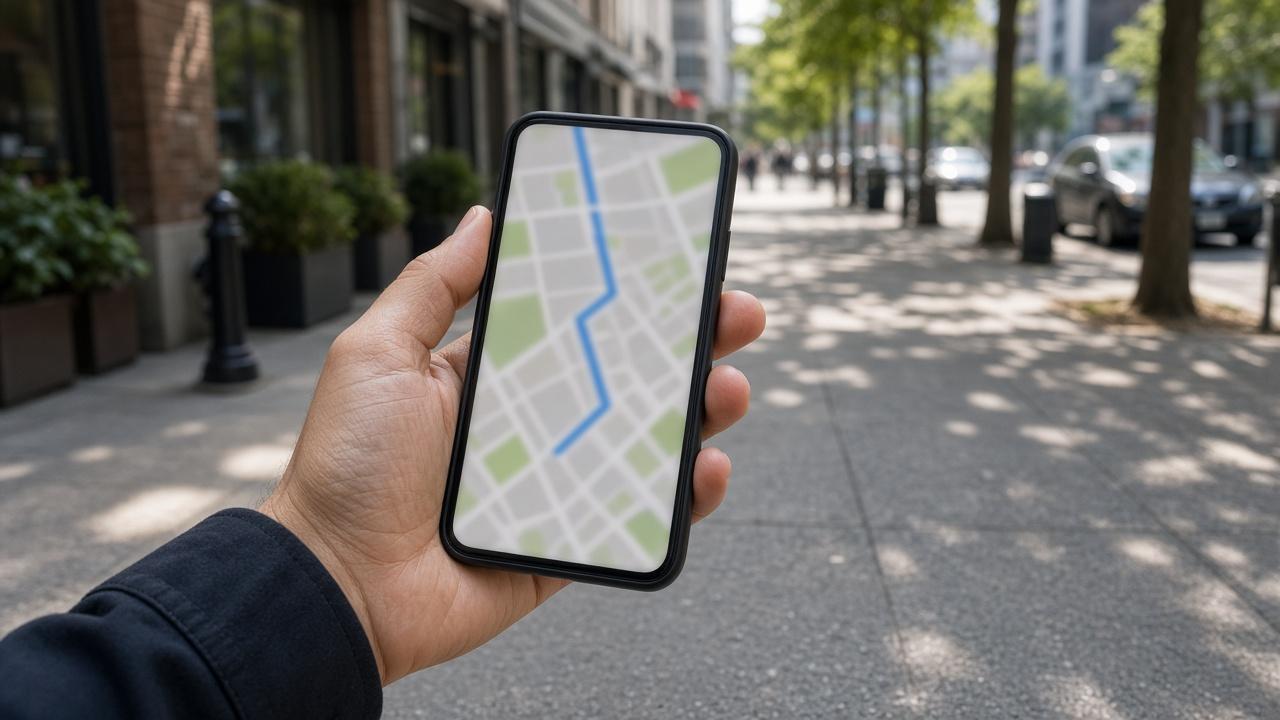
If you came here from an iPhone family, you are looking for Find My and you will not find it. Android's ordinary answer is Google Maps. It is already on most phones, it works when the other person has an iPhone, and it will follow you for as long as you told it to, provided the phone is allowed to keep a fix while you are not looking at the screen.
There are other doors. WhatsApp can share a live location for a short window. Samsung phones add their own sharing inside Samsung apps, which is lovely until someone in the family does not own a Samsung. A Play Store app with Find My Friends in the title is not Apple's network. Treat those listings as unknown software, not as a missing system feature you finally located.
This page stays with Google Maps, because that is the path that fails the least often across a mixed household. The iPhone side of the same feature is written up in Google Maps location sharing. The Android specifics, especially battery, are the part people skip and then call the map broken.
03
The permission that decides whether the dot moves in your pocket
Android will happily share once, then freeze, if Maps is only allowed to see location while the app is open. For a live share, set Maps to Allow all the time. Precise or high accuracy should be on. Battery optimisation for Maps should be unrestricted, or the system will do exactly what it was built to do and put the app to sleep.
Phone makers add their own layers. Samsung, Xiaomi, Oppo, and others have a second battery menu with names like Sleeping apps, Adaptive battery, or App power management. Maps can be unrestricted in Android settings and still sleeping in the manufacturer menu. If the dot dies every time the screen locks, that second menu is where you look. Exempt Maps, test with a ten minute walk, and leave every other app alone.
A private DNS, a work profile, or a VPN can also pin the fix somewhere odd. Same test as on iPhone: one share with the VPN off. If the pin jumps to the right street, you know. Google Maps location sharing goes further if the timestamp is stuck even after this.
04
Samsung, Pixel, and the second settings app
On a Pixel, the Android settings above are usually the whole story. On a Samsung, open Settings, Battery and device care, Battery, Background usage limits, and make sure Maps is not sleeping. Xiaomi, Oppo, and vivo bury a similar list under Security or Battery. The names change every year. The test does not. Share, lock the phone, walk for five minutes, and ask someone else what time they see.
If you use a work profile, share from the personal Maps, not the work one, unless the people you are meeting are inside that work account. A work profile can have location off while the personal phone looks fine. The link you sent from the work app then updates never, and you will swear you already fixed permissions.
Dual SIM phones sometimes report the data SIM's rough location when the GPS is slow. Give it a sky view before you send. A pin sent in a lift is a pin of the lift lobby, or of the street where the phone last saw satellites. Wait for the blue dot to stop skating, then tap share.
05
What this will not grow into
Maps will not become a family dashboard. You do not get a month of history for the other person, a driving score, or crash response. You get a live dot, a rough battery reading, and a small number of arrival alerts if you set them and they agree. For a night bus that is the whole requirement.
Arrival alerts are easy to confuse with the live dot. The dot is where they are. The alert is a message when they enter or leave a place. Google limits how many of those you can stack on one person. If you need a house full of geofences, you are shopping for a different product, and you should read what it stores before you install it.
If the person you love is on an iPhone and refuses another Google login, send a link rather than a contact share, or use the app you both already chat in. Find My Friends on Android explains why searching that exact name will not close the gap.