· 5 min read · By the Kinfolk team at Kinfolk Digital Ltd
How to send your current location in Messages
01
Use this when the spot is the message
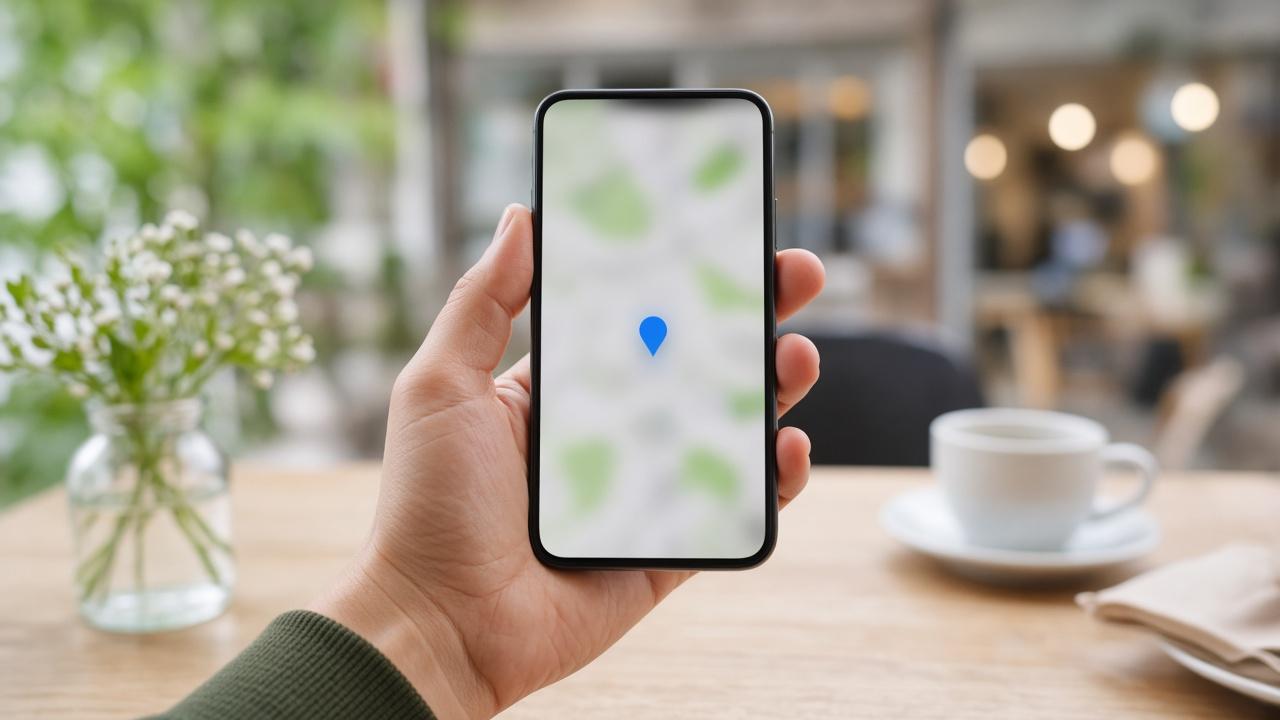
Someone asks where you are, and the true answer is a doorway, not a journey. Send My Current Location is built for that. It takes the fix your iPhone has at that second and posts it into the Messages thread as a map. After that, the bubble is finished. If you walk to the shop, the bubble does not come with you.
People get angry at this and call it broken. It is doing the smaller job. The larger job, a dot that moves, is Share My Location, and it is a different tap in the same menu. If you want the moving one, read how sharing location in iMessage actually splits in two and come back. This page stays with the pin.
02
The taps, including the ones that are easy to miss
Open the thread. Tap the plus button beside the field where you type. Choose Location. Choose Send My Current Location. You should see a map in the conversation within a second or two. Tap it yourself before you lock the phone. If the pin is on the wrong street, do not send a second one until you have a better fix. Two wrong pins are worse than one.
The fix is better outdoors, or at least near a window, after the phone has had a few seconds to settle. In a basement or a carriage it will often reuse the last confident point, which might be the station you entered ten minutes ago. That is the pin your friend will navigate to.
Precise Location matters here more than it does for a weather app. Settings, Privacy and Security, Location Services, then Messages. While Using the App is enough for a pin you send with the thread open. Precise Location should be on if you care about the door rather than the block. System Services and the various Apple apps around it can stay as they are. You are only feeding this one send.
On a Mac signed into the same Messages account, you can sometimes share from the conversation as well, but the fix still comes from a device that knows where it is. If the Mac sends a pin from a desktop that has not been outside, expect a vague or stale point. Send from the phone in your pocket.
03
What the other person can and cannot do with it
They can tap the bubble, open the map, and get directions to that pin. They cannot watch you leave it. They also cannot tell, from the bubble alone, whether you are still there. The time on the map is the time you sent it. If they open it twenty minutes later, the time is what saves you from a confused argument. Point them at the time if they insist you have not moved.
The pin sits in the thread forever, the way a photo does. Deleting the message removes it for you, and on recent iOS versions you can undo send for a short window if you were quick. After that, assume they have the place. Do not use a current location pin to share a home address you did not mean to hand over. It is casual to send and not casual to have.
A contact card is the other door into the same idea, and it is easy to confuse with this one. Sharing your location from the card, or from Find My, starts an ongoing share. The pin in the thread does not. If a friend says they can see you moving after you only meant to drop a cafe, you turned on the live share as well. Stop it from Find My, People, then that person.
05
A pin of a place you are not standing in
Send My Current Location is your phone, not a searched address. If the meeting is a restaurant you have not reached, do not send your kitchen and hope they understand. Drop a Maps pin of the venue, or type the name. Mixing where I am with where we are going is how someone walks to your house while you are already on the bus.
You can share a searched place from Maps, then return to Messages and send that. The bubble will look similar. The caption is yours to add. This is the restaurant, I am twenty minutes away is a complete message. The pin alone is not.
On a current iPhone you can also share your location from the contact card for a duration, which is the live tool again. If you only wanted the venue, do not wander into that card. Finish in the thread, with a pin of the place, and a sentence.
Family group chats make this worse because three people tap three different bubbles. If you are coordinating a pickup, send one fresh pin and reply to it so it stays at the bottom. Old pins from last month are still tappable. They are not cute. They send grandparents to last year's cafe.
06
A small habit that prevents the follow up text
Type one line above the bubble. Pin of the door, I am already here. Or This is not live, I will text when I move. The map will not say that for you. Friends who have been burnt by a stale pin will assume every bubble is live, or that none of them are. The sentence is the label Apple left off.
Use the pin freely for places. Save the live share for trips where someone is actually waiting on your movement. Mixing them in one thread without a label is how a simple meetup turns into a row about whether you left the house.