· 3 min read · By the Kinfolk team at Kinfolk Digital Ltd
Google Maps location sharing vs Find My
01
Count the phones before you compare the logos
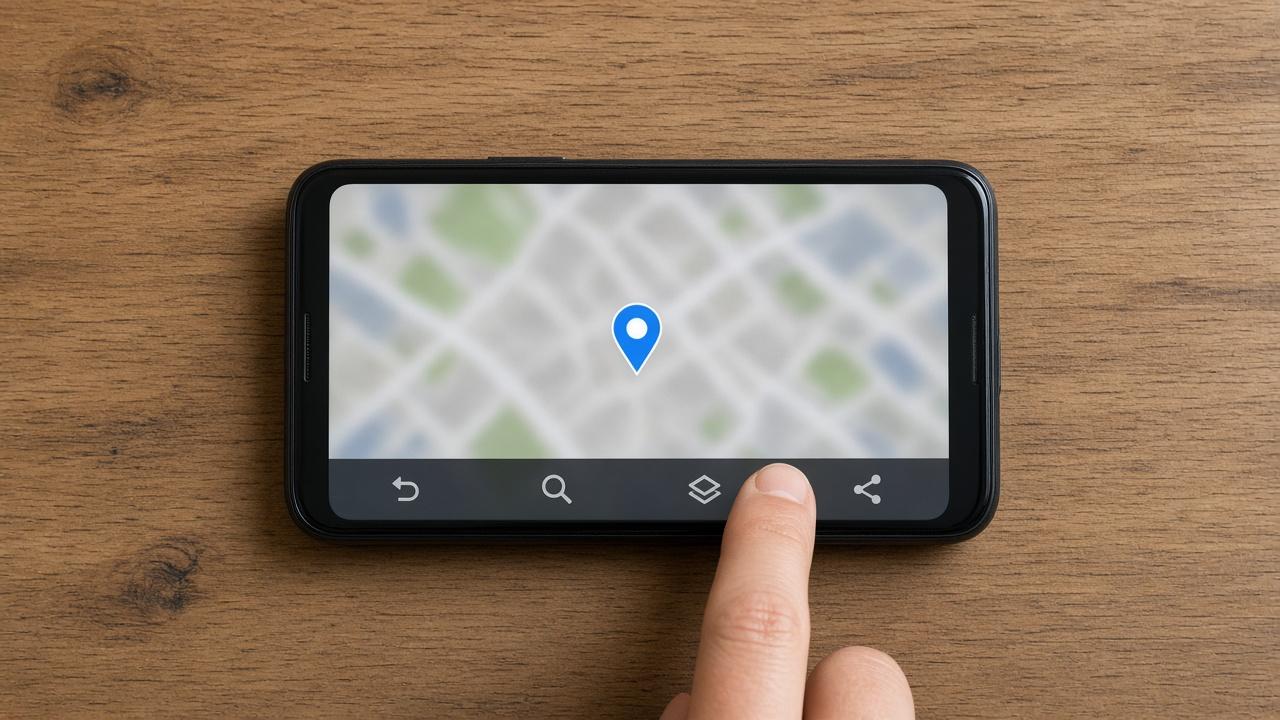
People search for Google Maps location sharing versus Find My when they are tired of a third app and want the thing already on the phone. That is a fair wish. It falls apart in the first minute if one person at the table has an Android phone, because Find My has no home for that phone. Google Maps does. If your group is mixed, the comparison is already over, and the rest of this page is about what you are accepting by staying with Google.
If every phone is an iPhone, Find My is the quieter default. It is maintained with the phone, it does not ask for a separate subscription, and the people you share with already live in your contacts. Google Maps still works in that house. You would be choosing it because someone prefers a Google account, or because a link is easier than convincing an uncle to open Find My. Find My on iPhone is the longer account of what that Apple map will and will not do.
02
Who is holding the dot
A Find My share between two recent iPhones is the arrangement Apple describes as one it cannot see. That sentence is the reason a privacy minded household stays. It is also bounded. The moment the other person is not on a recent iPhone, you are outside that sentence, and you should read Apple's current wording rather than a blog's memory of it.
A Google Maps share lives on the Google account. The person you invited can see the location you chose to publish, for the time you chose, and Google is the company storing that share so the map can update. Your own Location History, the Timeline of places you have been, is a separate switch. Handing someone your live dot does not automatically hand them that diary. If the search that brought you here was really about the diary, Google Maps location sharing is the page that stays with the live share itself.
Neither company is offering you a driving score or a crash call. If that is the product you wanted, you have left this comparison. Life360 against Find My and Life360 against Google Maps are the arguments about adding that kind of app on top.
04
Which search you were actually in
If the house is all iPhone and the job is are they on the way home, stay with Find My and put an ending on it. If one phone is Android, or the guest only has a browser, Google Maps is the built in tool that can include them. If you wanted a month of history, a driving report, or a call when a car stops hard, neither of these pages will grow that feature to please you.
Write down the actual failure from last week. 'Dad's Android never appears' is a Maps problem. I do not want Google holding the evening is a Find My problem. I want a record of Thursday is a different shop entirely, and it should be chosen with your eyes open.