· 3 min read · By the Kinfolk team at Kinfolk Digital Ltd
Does Waze track your friends?
01
The search wants a people map. Waze is a traffic app.
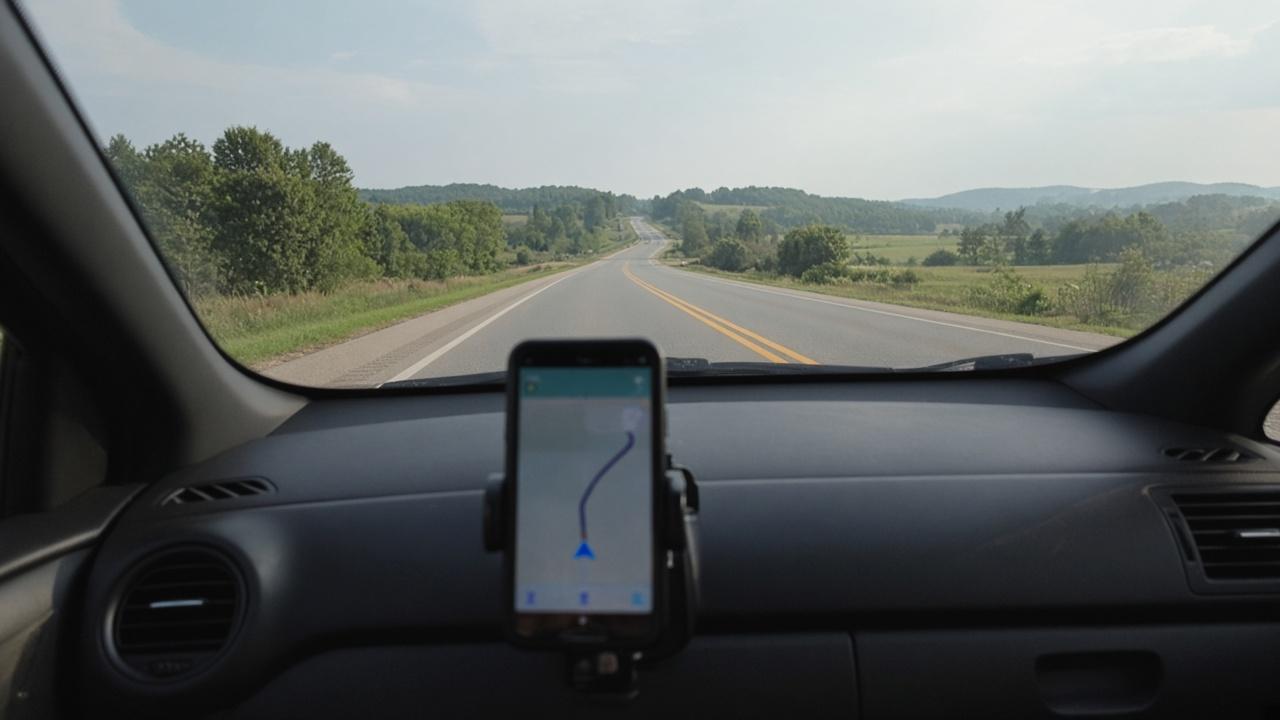
Waze track friends, and share Waze location, are searches from someone who hopes the navigation app is also a way to see the people they love. Waze's own help page describes something narrower. You start a drive, you share that drive, and the other person can follow the route, the progress, and the arrival time until the drive ends or you stop sharing. The line on their map is that journey.
There is no supported way to type a name into Waze and watch a stranger, or a quiet relative who never sent a link. Waze says the shared drive view stays up until the drive ends or the driver stops it. When the car arrives, the reason for the map has gone. Older versions of this feature were looser, and people still remember being able to watch a friend wander after they parked. The current help text closes the share with the drive.
02
What the other person actually receives
They get a link. Waze's help says they can open it and view the drive, including in a browser, and that opening it lets Waze notify them about the trip. For a registered viewer, their name and photo can show up in the driver's app, so the person at the wheel is meant to know who is looking. That is a different mood from a family app that assumes the circle can always see.
A shared drive can lag. Signal, a locked screen, and a battery saver will all make the car look stuck. The page for a Google Maps dot that has gone stale is Google Maps location sharing is not updating. Waze is a different app with the same physics. If the time on the trip looks old, believe the time.
Sending a place is the other object, and people mix the words. A location you send from search is a point on the map, the cafe or the car park. Share drive is the moving car. If they only needed the address, the point was enough, and a live drive is more than they asked to hold.
03
Waze and Google Maps are neighbours, not the same switch
Waze is a Google company. The account world and the traffic data sit in that family. The product you use to leave a dot on for your sister all evening is still Google Maps location sharing, which can outlast a single navigation. Using Waze for the drive and Maps for the person is coherent. Expecting Waze to become Maps because the logo is related will disappoint you at the kerb.
Waze also talks about an invisible mode that hides you on the map. Hiding the icon is a visibility setting. It is not the same statement as this drive was never processed. If you are trying to decide whether a Google owned navigation app should know the route at all, that is a bigger decision than which friend can see the green line, and it belongs with how you feel about Google, not with a trick inside the ETA bar.
04
When a traffic app is the right call
Share the drive when someone is meeting the car: a station pickup, a long motorway, a friend who wants to know whether to put the oven on. Stop it if you park early and the rest of the errand is private. The help page's stop control is the driver's, not the viewer's.
If the real question is where is everyone this evening, Waze will keep answering with a single route. Real time location sharing without paying is the tour of the tools that stay up when nobody is navigating. Pick from that list instead of teaching Waze a job it has already declined.
There is a separate fact underneath the share button. Waze uses your position to route you and to build the traffic picture, whether or not you tap Share drive. Sharing a drive with your sister is a choice about her. Letting the navigation app see the road is the cost of using it at all. People who are comfortable with one and furious about the other are having two arguments, and only the first has a stop control on the ETA bar.